Client files and branding
Client files
Point clientFiles at a directory; players download it when they join,
behind a loading screen, and keep it.
const server = new Server({
  name: "Los Santos RP",
  clientFiles: new URL("./client", import.meta.url).pathname,
});
- The server sends a manifest (path, size, SHA-256). The game fetches only
what it lacks or what changed, checks every file's hash, and deletes
files the server no longer has. Each server's files are cached apart, in
the player's
sagl/servers/<host>_<port>/. - A rejoin with nothing changed downloads nothing and hashes nothing, so it's quick.
- Paths: letters, digits,
. _ -and/; files up to 64 MB. server.clientFileslists them; after changing the directory,server.rescanClientFiles()re-reads it for players joining from then on.
Use them by path instead of sending the same bytes over and over:
server.clientScripts.useClientFile("scripts/hud.js");
server.map.setOverlay("hq", { x1: 1400, y1: -1800, x2: 1600, y2: -1600, file: "maps/hq.png" });
and in client scripts: sagl.ui.openFile("ui/shop.rml"),
sagl.files.read(path), sagl.files.url(path) (see
Files and branding).
Branding
Your server's logo, name, colours and loading screen background, sent to players first thing when they join:
const server = new Server({
  name: "Example Roleplay",
  clientFiles: "./client",
  branding: {
    logo: "branding/logo.png",              // square PNG or JPEG, up to 1 MB
    background: "branding/background.jpg",  // behind the loading screen
    primary: "#2fb3a0",                     // menu items, headings, bars
    secondary: "#0e3a36",                   // behind focused items, under bars
    showName: false,                        // the loading screen: logo only (default)
  },
});
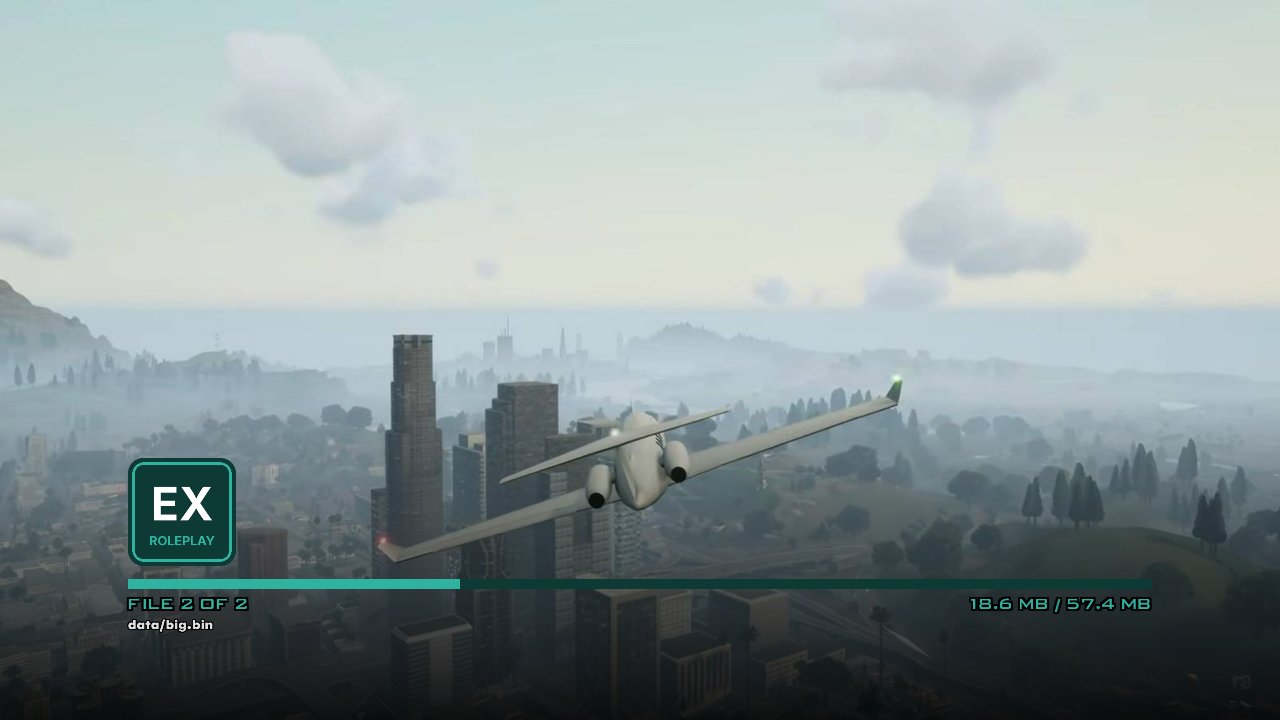
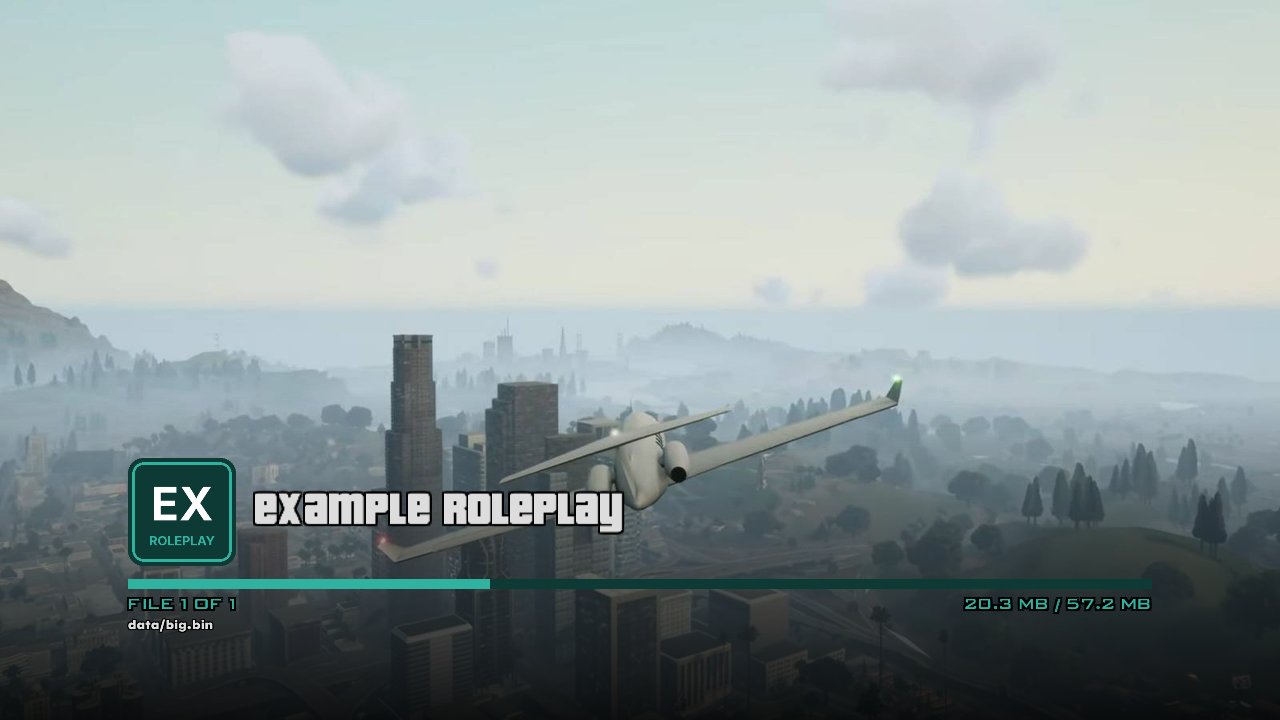
- The loading screen covers itself with the background and shows the
logo in place of the server's name while the other files download; with
showName: true, the name sits beside the logo. If the player has them cached they show at once; if not, the logo and then the background are fetched before every other file. - The pause menu shows the logo beside the server's name, and SAGL's menus (pause menu, message boxes, the loading screen) take the colours.
- Client scripts can read it:
sagl.branding. - The logo must be square: a PNG or JPEG client file of up to 1 MB (256×256 is plenty). The server reads its size and refuses anything else, saying why.
- Colours are
"#RRGGBB"or0xRRGGBBAA. Leave one out for SAGL's own light and dark blue. server.branding = { ... }changes it for players joining afterwards. Players with older copies of the images get the new ones (and see them) on their next join.
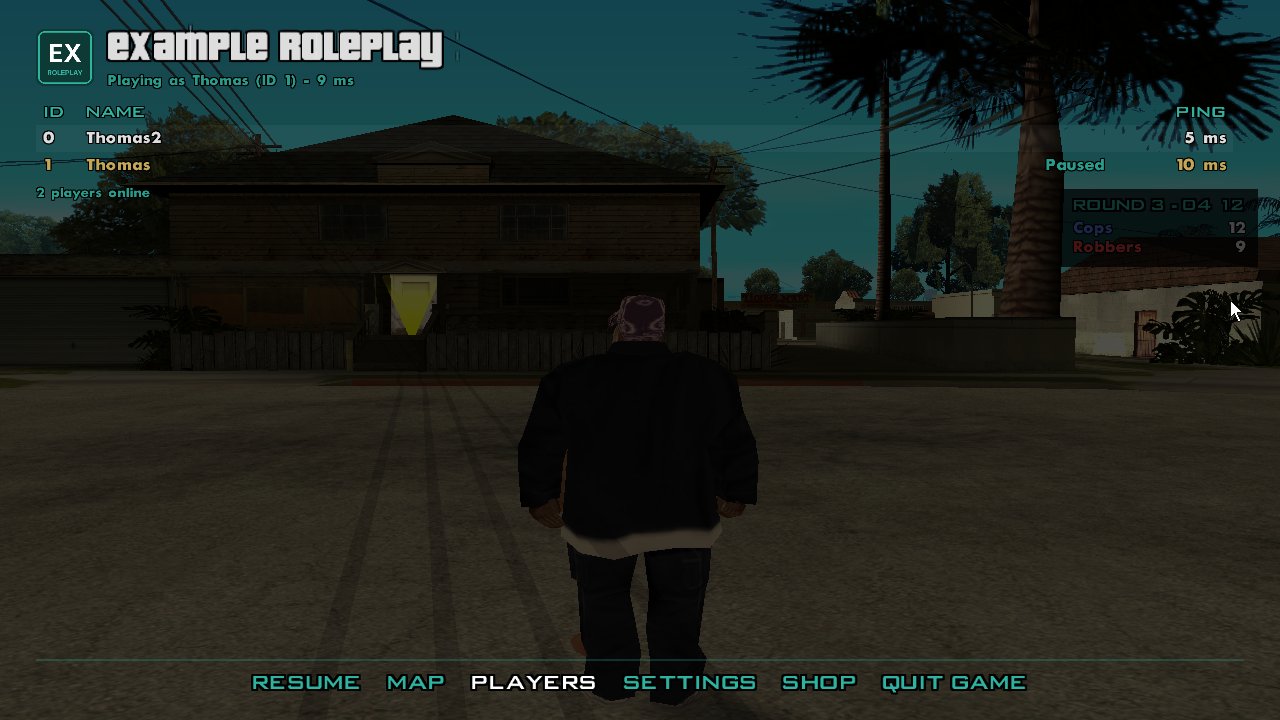
Tip
Pick a primary colour that reads well on dark backgrounds: it's the
colour of menu text over the see-through pause menu.